

One quick and convenient option for taking screenshots.
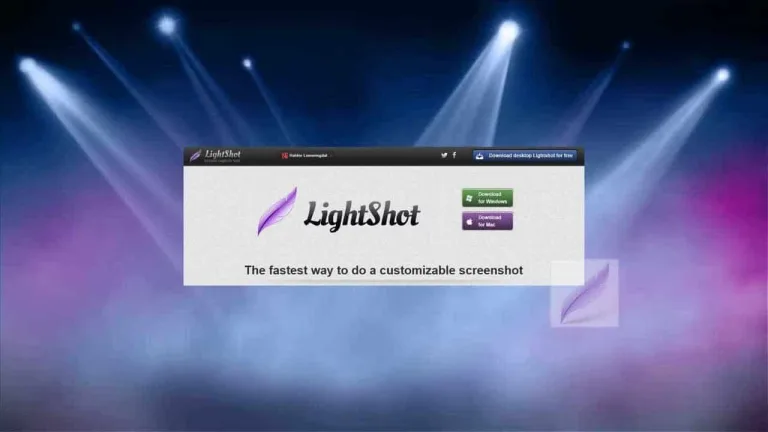
Lightshot is a popular free application for taking screenshots. It stands out for its versatility and ease of use, being able to capture any image from your monitor in a matter of seconds. Whether it's for sharing a screenshot of a program, saving an image from a video, or cropping a section of a webpage, Lightshot will surprise you with its excellent results. Would you like to know why it is the favorite screenshot program of millions of users compared to alternatives like Greenshot, ShareX, or Snipping Tool++? We'll explain it below.
What is Lightshot and what is it used for?
Lightshot is a multi-platform program that allows you to take screenshots quickly and easily. Available for PC, mobile devices, and as a browser extension, Lightshot is capable of taking screenshots of your PC's entire screen, a selection of it, or a program or browser window. With multiple editing options after taking the screenshot, as well as the ability to upload images directly to the cloud, this app is a practical and useful option for anyone who needs to take screenshots regularly.
A very intuitive interface
One of the strengths of Lightshot is undoubtedly its ease of use. This is largely due to its intuitive user interface. Simply install the program and you will see a small screenshot icon appear in the system tray. To save any image, simply click on the app's button and you are ready to take your screenshot. After that, Lightshot will open a convenient editor for you to crop, highlight areas, and add text or arrows to your image. It's that simple!
What capture options does Lightshot have?
Lightshot offers several screenshot options. Users can capture the entire screen, a full webpage (for this, the browser extension is necessary), a program window, or select a specific area of your monitor. But that's not all. The app also includes the option to capture multiple screens in succession without having to reopen the application. This makes this app an invaluable tool for capturing images for presentations, guides, or tutorials.
Sharing is easier thanks to its cloud service
If you work in a team and need to share screenshots frequently, you'll be glad to know that Lightshot is going to make your life much easier. The app includes a convenient option to automatically upload each screenshot to the cloud. Once this is done, the app will provide you with a link for third parties to access and download your screenshot.
A quick and convenient solution for taking screenshots
If you are looking for a good program to take screenshots, Lightshot will not disappoint you. This free tool is not only lightweight and intuitive, but it also comes with a wide range of features so that you can always make the perfect capture. Its multiple editing options, as well as its cloud integration, make it an essential screenshot program on any computer.


.png)

























User reviews about LightShot
by love it
This is just grate I love it have had it for Yr's
by Sor
Not work after Win 11 ver 22H2 update
by Kala Krause
It worked as it said it would. Just started using it but happy to have it. TY.
by BryanH
Total crap, upload failed from screenshot, and can't even upload files from the saved folder
by l0rZ
Greenshot
by l0rZ
Not working anymore. They took down their server/services whitout even a notice on their website. Very unprofessional. I switched to Greenshot. More customization and you can specify the uploading service. More